
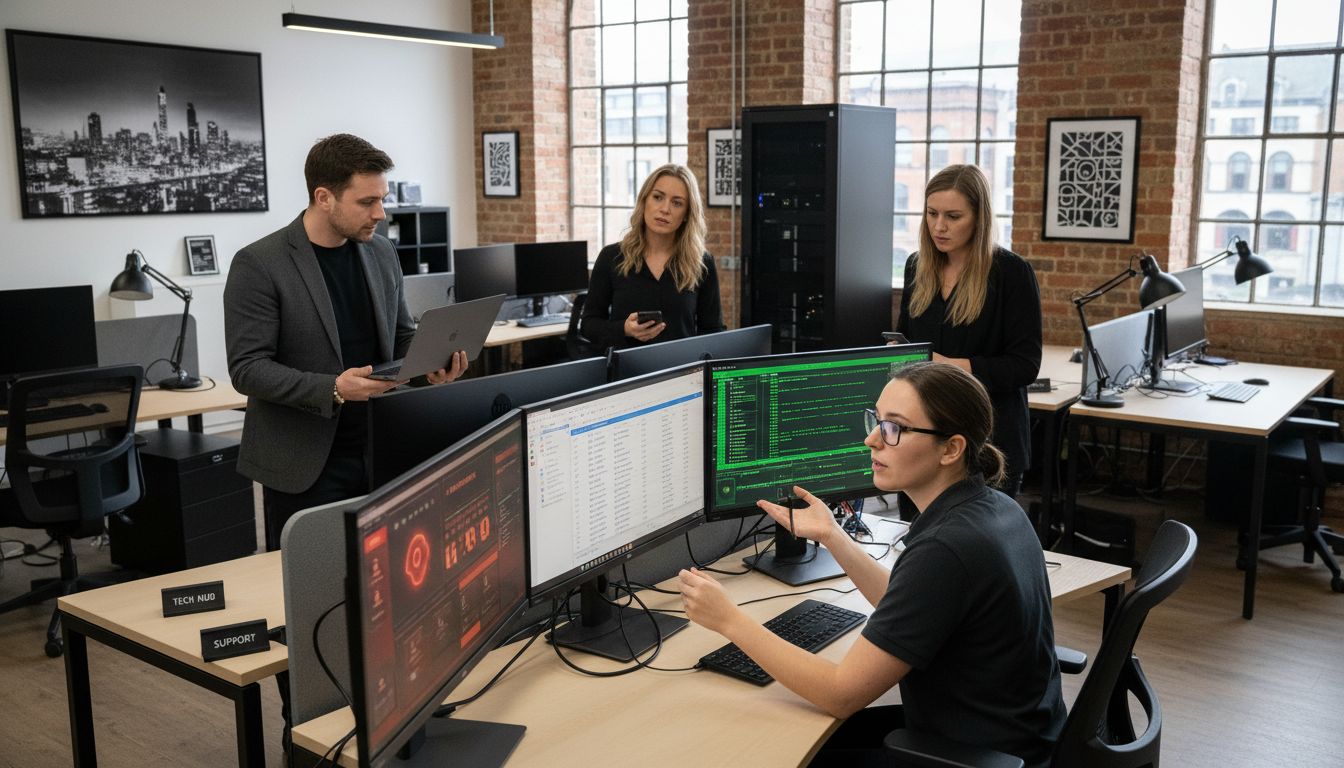
An IT support desk is the organised point of contact for technology incidents, service requests and user guidance. For a UK SME, its value is not just answering tickets: it should help the business record issues, prioritise disruption, escalate work and learn from recurring problems.
The exact service varies by provider and agreement. The responsibilities below are a useful baseline for evaluating an internal desk, an outsourced desk or a blended model.
The core functions of an IT support desk
Logging and prioritising work
Every request should have enough information to understand the user, affected system, business impact and next action. Priorities should reflect impact and urgency, not simply who contacted the desk first.
Diagnosing and resolving incidents
First-line support may handle common access, device and application issues. More complex work can be escalated to a specialist, infrastructure team or supplier. Good notes and a clear handover prevent the user from having to repeat the same story.
Handling service requests
New starters, permissions, equipment, software and routine changes are requests rather than incidents. A defined approval path helps prevent an urgent ticket queue from becoming the only way that normal work gets done.
Maintaining useful knowledge
Repeatable fixes, known errors and user guidance should be recorded and reviewed. A knowledge base is only useful when it is accurate, findable and updated after systems change.
Communicating and reporting
Users need clear updates, especially when a resolution depends on another team or supplier. Reports can show ticket volumes, recurring issues, ageing work and service trends, but the measures should lead to a conversation about improvement rather than become a target in isolation.
How escalation usually works
- First line: receives the request, gathers facts and resolves documented common issues.
- Second line: investigates more complex device, application, network or account problems.
- Specialist or third line: handles infrastructure, security, cloud or supplier work that needs deeper expertise.
These labels are not universal. The important questions are who owns the ticket, how the handover is recorded and how the user is kept informed.
What should an SME expect?
- A clear route to raise incidents and requests.
- A priority model that reflects business impact.
- Agreed response and communication expectations.
- Documented escalation and approval responsibilities.
- Access to ticket history and useful service reporting.
- A way to identify recurring problems and plan improvements.
A support desk does not replace business ownership of risk, budgets, access approvals or technology decisions. It provides an operating process that makes support work visible and manageable.
Common desk problems and practical fixes
Unclear ownership creates delays, while incomplete tickets create repeated questions. A queue with no priorities hides the most disruptive work, and a knowledge base that is never reviewed becomes misleading. Agree responsibilities, capture enough context, review recurring incidents and make escalation visible.
Connect the desk to wider IT support
If you are reviewing support for a growing business, see J700 Group's managed IT support service for the wider service context. Contact the team to discuss the systems, users and support process you need; any response targets or included services should be agreed for your environment.